
Automatic Roster Sync
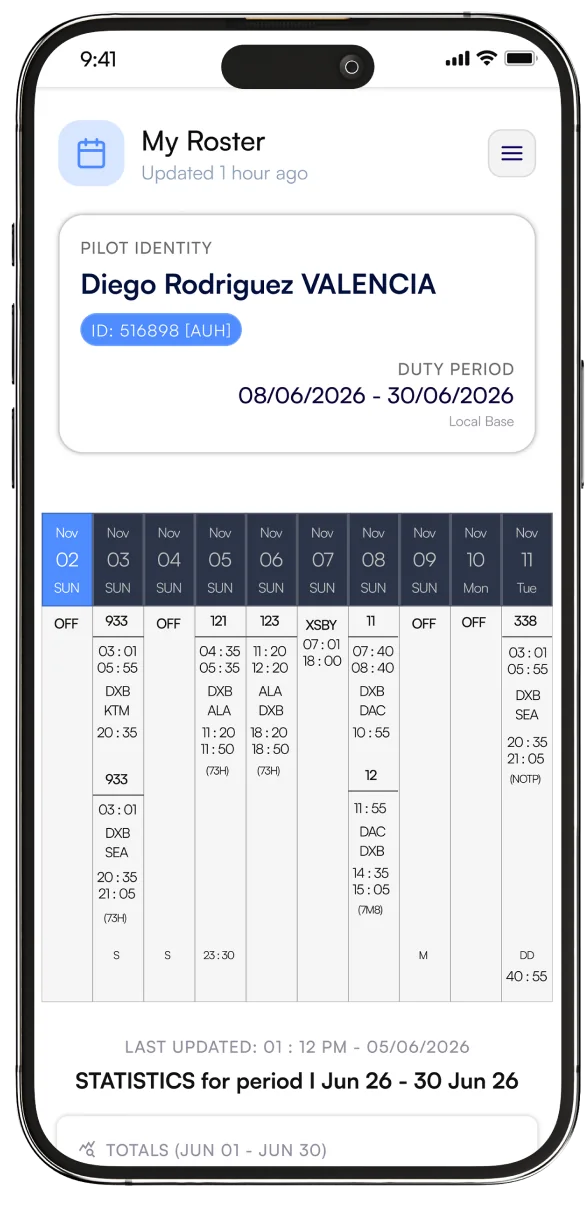
Your roster comes into the app automatically. No manual entry and no copying duties across.


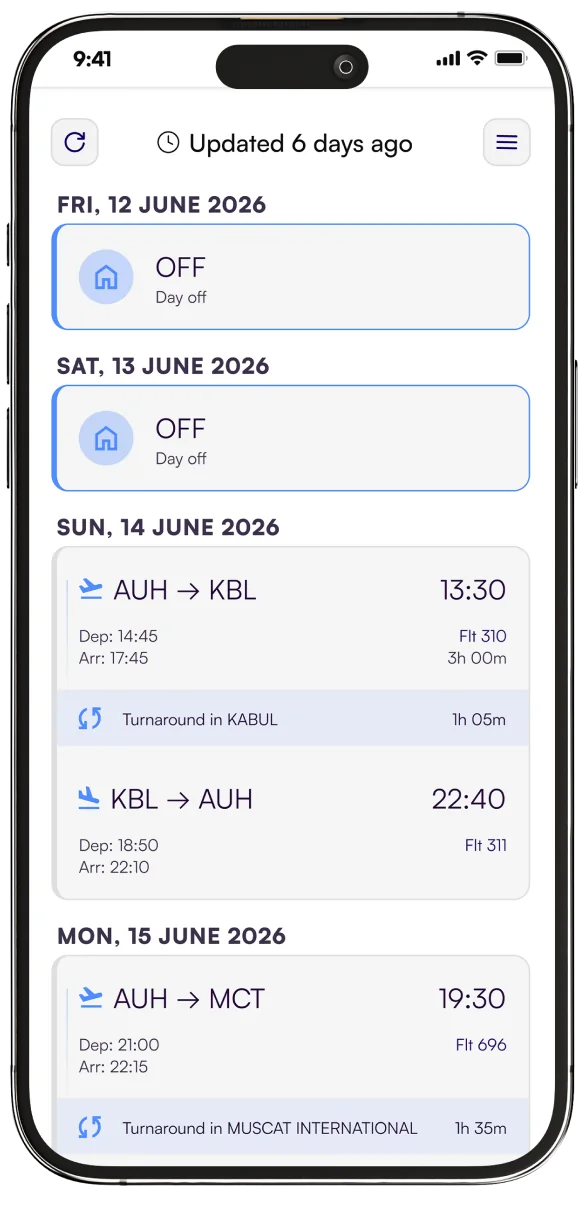
Your airline roster syncs automatically, so your next flight, your layover hotel and your days off are always a tap away.




















 ASL AirlinesOman AirAir CreebecSwiftairMYAirlineAir AstanaRoyal JordanianRoyal BruneiAir Belgium
Sign in once with the roster system your airline already uses, and SkyCrew does the rest. Now with CAE.
Crew management
Roster & crew portal
Crew rostering
Crew control system
Any roster, as a file
Crew rostering
Designed by aviation professionals for the way crew actually work. No more logging in to clunky airline portals.
Your roster comes into the app automatically. No manual entry and no copying duties across.
Open the app and your next flight is right there, with gate and aircraft type included.
Your whole month in one colour-coded calendar, with days off, rest periods, standby and flights easy to tell apart.
See where you're staying on every trip, with hotel and layover details right on the duty.
Even with the app closed, SkyCrew watches your schedule and alerts you the moment anything changes.
Send your duties to Apple Calendar or Google Calendar, so your schedule sits next to everything else.
Browse your roster, days off and crew list anywhere, any time. No internet needed.
Three steps from download to your first synced roster.
Sign up free in 60 seconds with your email or Apple ID.
Choose your airline and sign in to its roster system once.
SkyCrew fetches your roster and lays it out in your calendar.
Built for a quick glance between duties, on the ground or in the crew rest.
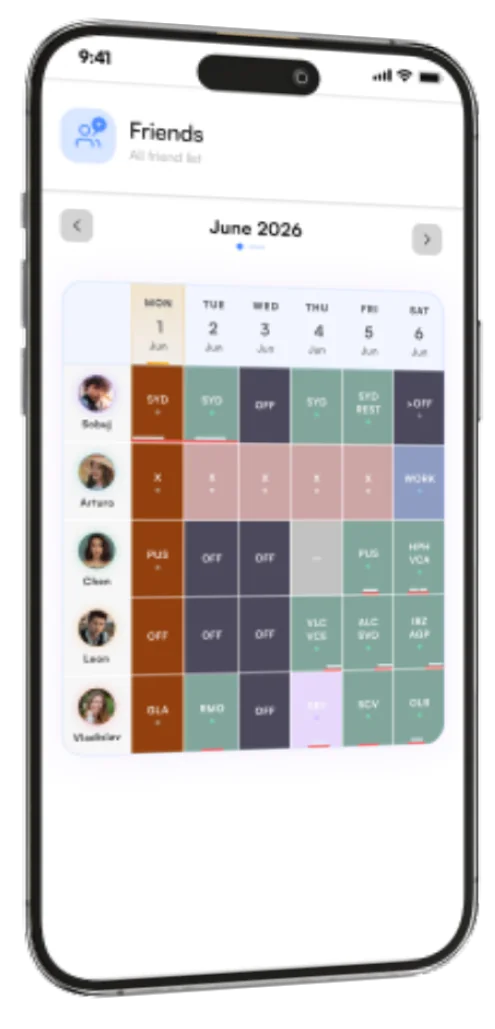
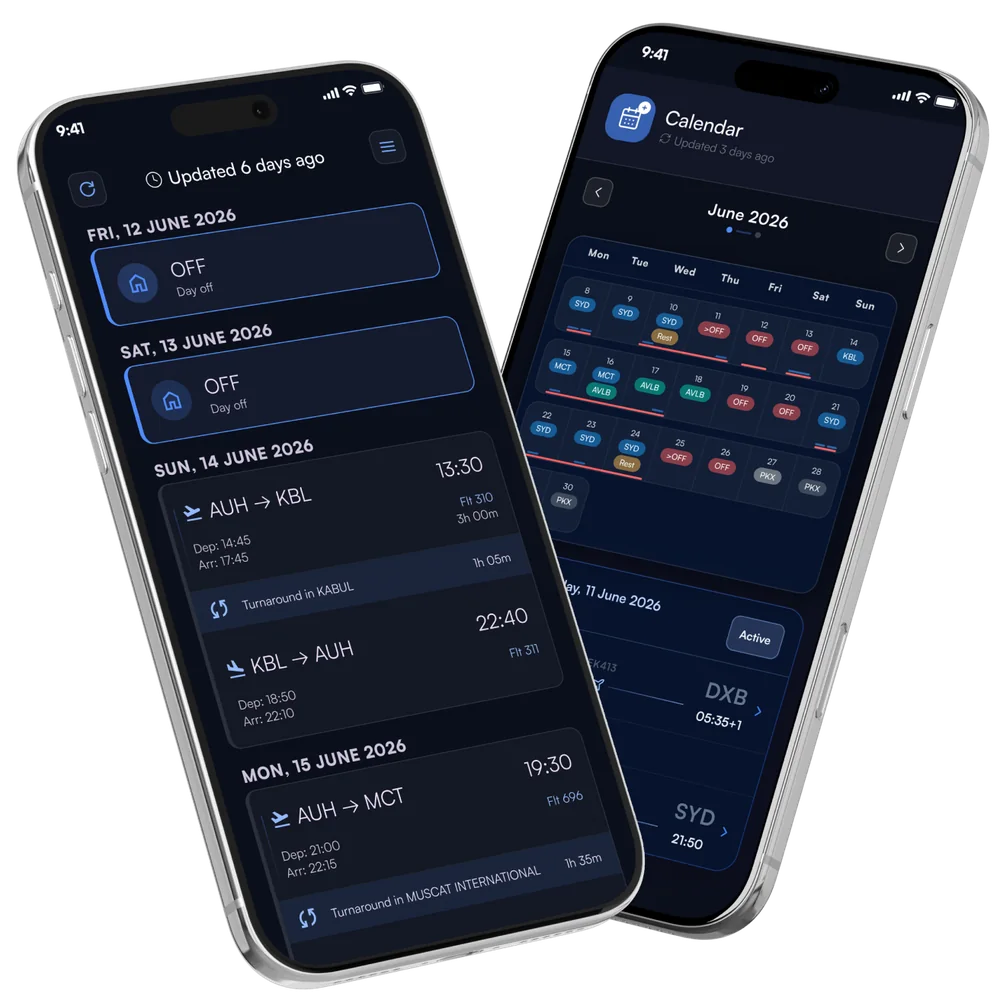
SkyCrew connects you with friends and family, not just your roster. See the days off you share, see the crew you're flying with, and let the people at home follow your schedule in their own timezone.
See at a glance when you and your friends or family are off at the same time.
See the crew you're flying with on every duty.
Friends and family join free and follow your schedule read-only. They don't need an airline login and can't make accidental edits.
Your schedule converts to their local time, wherever you fly.
Departure and arrival times, flight status, and whether you're in flight, on standby or off duty.
In their own words, from the flight deck, the cabin and home.
I've tried every roster app on the market over my 15-year career. SkyCrew is by far the most reliable and beautifully designed. The family sharing feature is a game-changer.
I used to text my partner constantly asking about their schedule. Now I just check the app and know exactly when to have dinner ready.
The roster syncs before I even land. No more logging into the airline portal from hotel Wi-Fi — everything is just there, layovers and crew list included.
The calendar view with color-coded duties is beautiful. One glance and I know my whole month — flights, standby, and rest days.
LogTen export alone is worth Premium. My logbook stays current with two taps at the end of every trip.
My mom finally stopped asking 'are you flying tomorrow?' — she has her own family account and sees my schedule in her timezone.
Can't find what you're looking for? Contact our crew support team.
Connect your airline account once and SkyCrew fetches your roster automatically. There's no manual entry, and the app keeps checking in the background and alerts you to any changes. SkyCrew supports CAE, eCrew, Jeppesen and CCS, with Netline under development, and you can upload a PDF roster for anything else.
Yes. Your roster, days off and crew list are stored right in the app, so you can check them any time, even with no signal or in airplane mode.
Yes. Friends and family get a free account with a read-only view of your calendar in their own timezone: flights and availability. They never need your airline login. You can also see the days off you share, so it's easy to plan time together.
They download SkyCrew, create a free account and choose "I'm Family or Friend", then search for your email address and send you a friend request. On Free you can follow up to 5 people, and up to 30 on Premium.
Yes. Open any duty to see the crew you're rostered with. Premium adds crew images and nationality, and lets you hide your own photo from crew search.
Yes. Export your schedule to Apple Calendar or Google Calendar. Premium subscribers on iOS can also export their full roster or single duties straight to LogTen Pro.
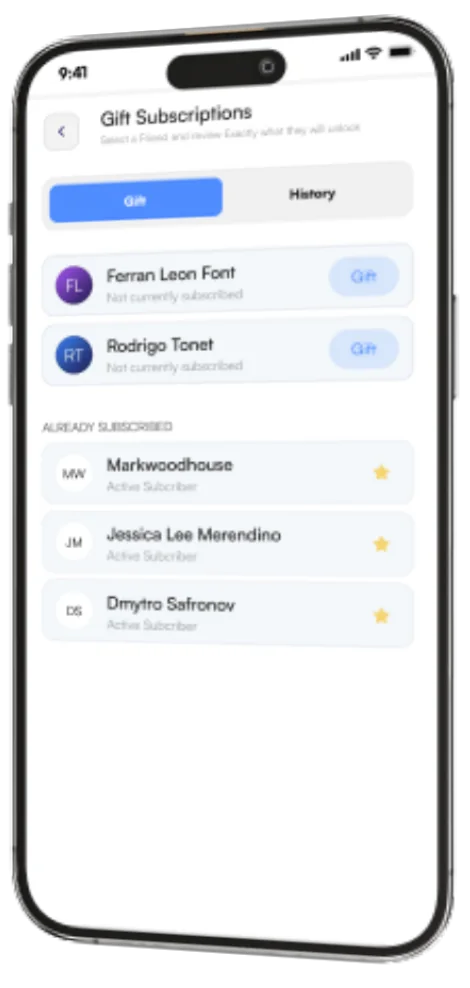
Premium is a subscription, monthly or for 3, 6 or 12 months, that adds priority sync, no ads, LogTen Pro export, crew images, following up to 30 people and more. You can also gift Premium to a fellow crew member. Cancel anytime through the App Store or Google Play.
The 12-month plan includes a free eSIM with global data every month. Claim it in the app each month and stay connected wherever you fly.
Download SkyCrew free on the App Store or Google Play and take your whole roster with you.
Fill out the form and our team will get back to you within two hours on business days.
Questions about SkyCrew features, your account or getting started.
contact@skycrew.app