

Help Center
Answers to common questions — and real people when you need them.
Frequently
Asked Questions
Can't find what you're looking for? Contact our crew support team — we're available 24/7. See our full FAQ page for more.
How does roster sync work?
Does SkyCrew work without internet?
Can friends and family see my schedule?
How do I connect with friends and family?
Can I see who I'm flying with?
Can I export my flight calendar?
How does Premium work?
What is the free eSIM on the 12-month plan?
Getting the Most Out of SkyCrew
A quick tour of the core screens, plus fixes for the most common issues.
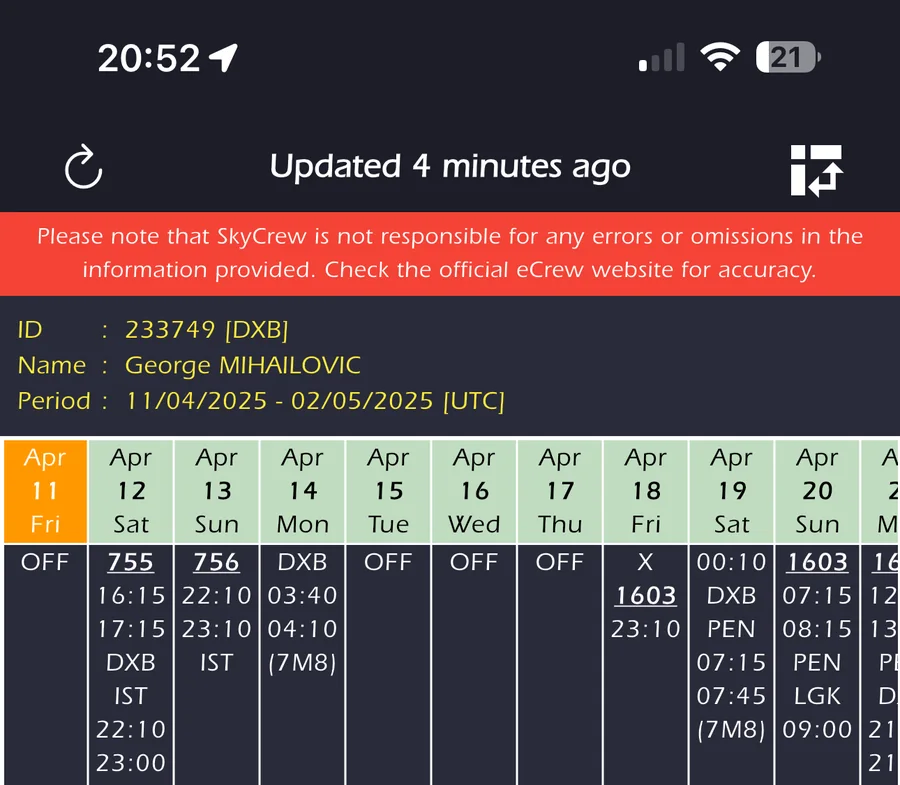
Roster View
View your up-to-date roster. Remember to pull down or use the refresh icon (top-left) if things look out of date. Need to jump to your airline's own roster system quickly? Use the 3-dot menu (bottom-right). Premium users can switch between Vertical and Legacy views here too.
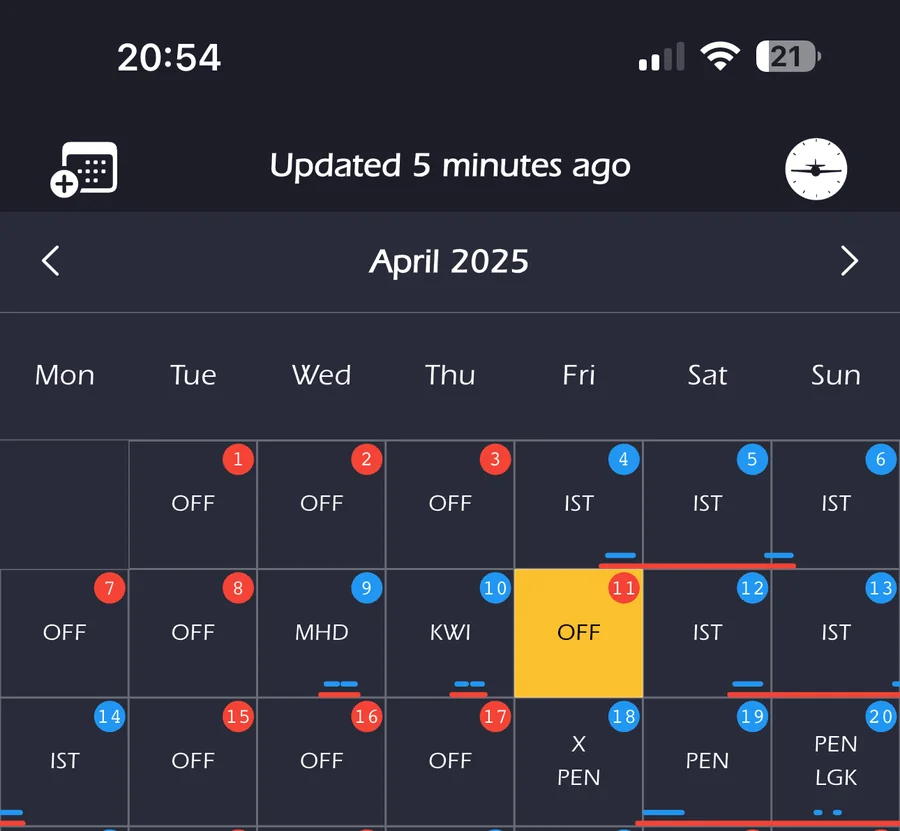
Calendar View
Crucial: refresh this page regularly to import new duties. Check the "Last Updated" time at the top — duties won't show (for you or friends) if not refreshed. Click a flight or duty to see details like the crew list. Export duties to your phone's calendar (top-left icon ) or LogTen Pro (top-right, iOS Premium only).
Tip: if export to your phone calendar fails, check SkyCrew's calendar permissions in your phone's settings.
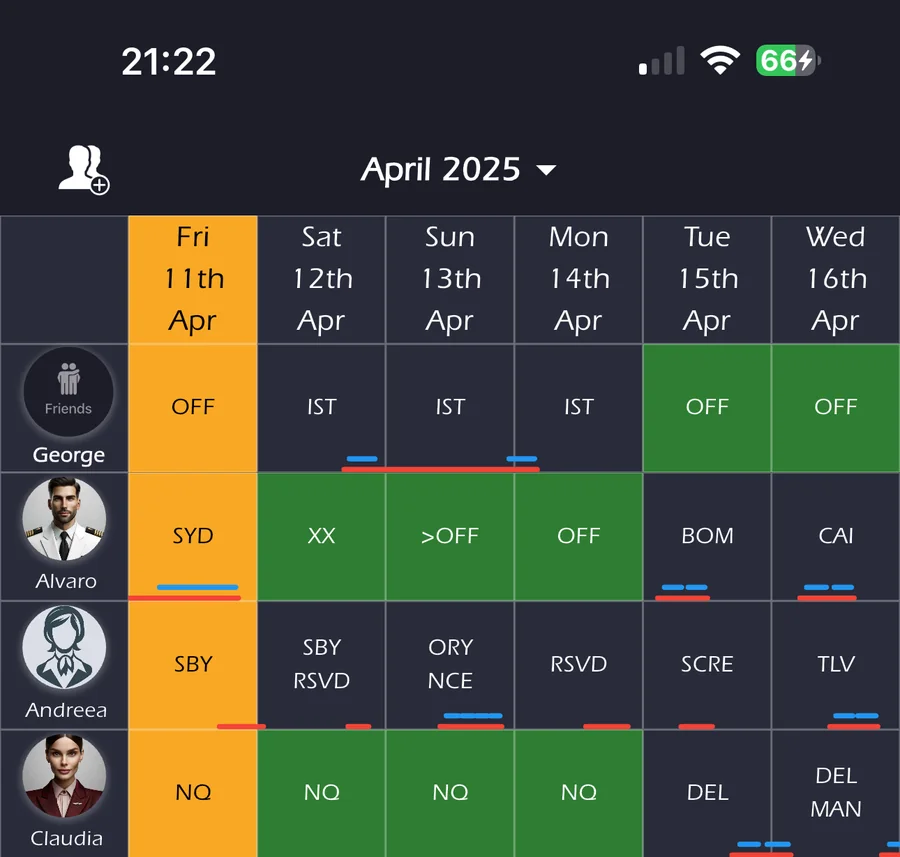
Friends View
See your friends' shared rosters. Use the top-left icon to add new friends by email or manage existing ones (remove/reorder).
Seeing blank schedules for a friend? Remind them to manually refresh their Calendar page regularly.
Common Questions & Troubleshooting
Duties missing, duplicated, or incorrect?
First, try re-syncing your account: go to Settings > Roster Preferences > Re-Sync Roster and enter your current roster-system staff number and password. Then head back to the Calendar page and perform a roster update. This often fixes issues caused by password changes.
Calendar stuck on "Update Initiated"?
Try logging out (Settings > My Account > Sign Out) and logging back in.
Background roster updates not working?
This feature checks for roster changes periodically and works best when the app is allowed to run in the background. iOS manages this automatically; Android checks roughly hourly. Make sure background roster updates are enabled for SkyCrew.
Just subscribed but still see ads?
Your subscription may not be recognized. Try restoring your purchases via Settings > Support & Subscription > Manage Subscriptions, and make sure you're signed in with the same App Store or Play Store account used for the original purchase.
Get the App / Check for Updates

We're Here for You
Can't find your answer? Our crew support team is ready to help, 24/7 for critical issues.